
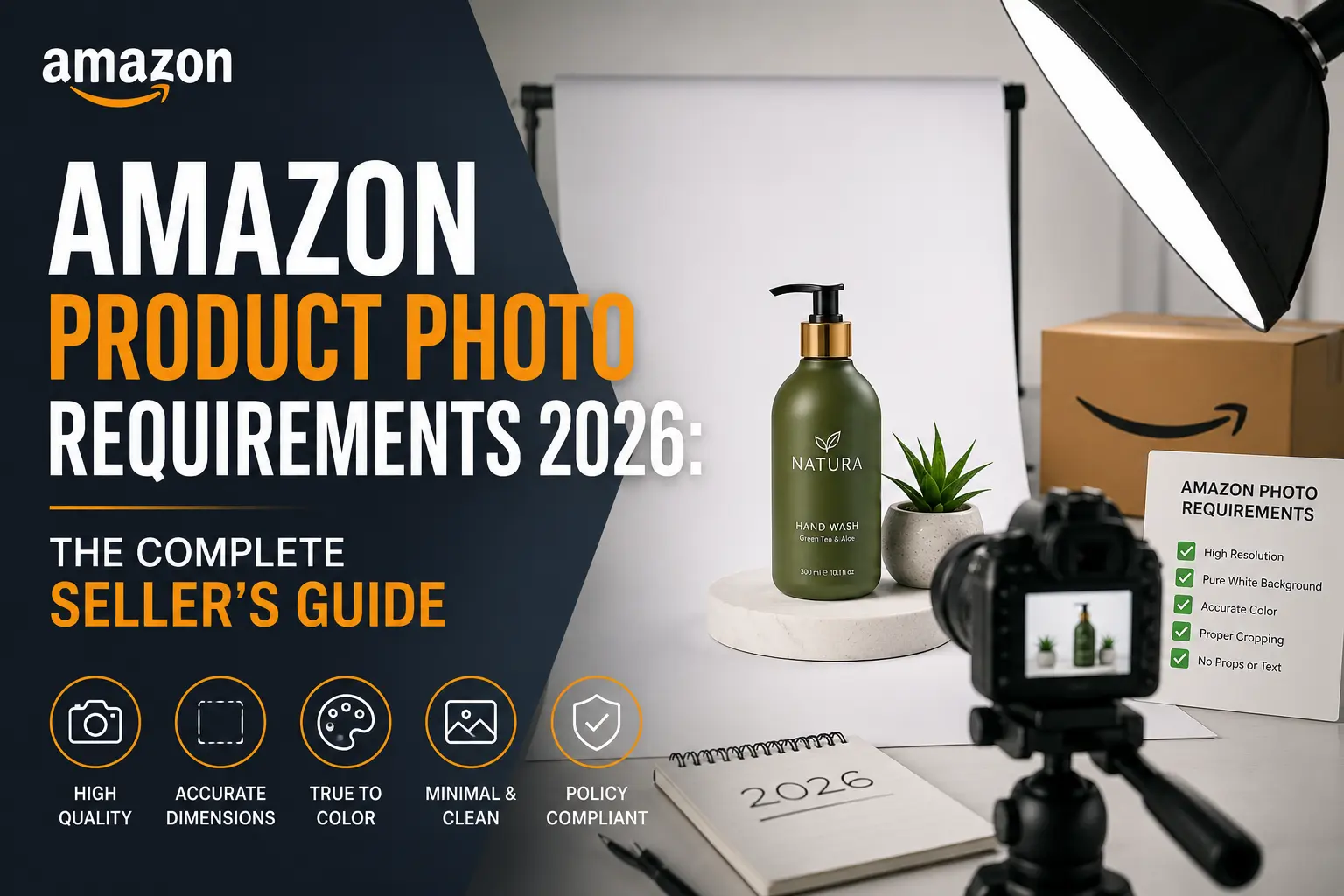
Why Your Product Photos Matter More Than Ever in 2026
Think about it this way: when you walk into a store, you can pick up a product, feel it, turn it around, and look at it from every angle. Online shopping doesn’t give people that. All they have is your photo.
That’s why Amazon product photo requirements exist and why getting your images right is probably the single biggest thing you can do to improve your sales on the platform.
In 2026, the competition on Amazon will explode. Millions of sellers list similar products, and shoppers are scrolling fast especially on their phones. Your product image has about one second to make someone stop scrolling. If it doesn’t grab attention, they move on.
Great product photography helps you:
- Get more clicks from search results
- Turn more visitors into actual buyers
- Build trust with shoppers who can’t touch your product
- Reduce returns because customers know exactly what they’re getting
- Make your brand look professional and worth buying from
| IMPORTANT
Bad product images don’t just hurt your sales, Amazon can actually suppress your listing if your images break their rules. That means your product won’t even appear in search results. |
At Clipixie, we work with hundreds of Amazon sellers every month. The most common reason listings underperform isn’t pricing or reviews, it’s product images that don’t meet the standard. This guide fixes that.
Quick Snapshot: Amazon Image Requirements at a Glance
Before we go into the details, here’s a quick overview of the most important Amazon product image specifications for 2026. Think of this as your cheat sheet.
| Requirement | What You Need | Status |
| File Format | JPEG (.jpg) preferred · PNG, TIFF, GIF accepted | Required |
| Minimum Image Size | 1,000 px on longest side | Minimum |
| Recommended Resolution | 2,000 × 2,000 px or higher | Best Practice |
| Main Background | Pure white · RGB 255,255,255 · HEX #FFFFFF | Required |
| Product Frame Fill | 85% or more of the image area | Required |
| Text on Main Image | Not allowed | Required |
| Watermarks / Logos | Not allowed on main image | Required |
| Zoom Feature | Enabled when image exceeds 1,000 px | Best Practice |
Not sure if your current images meet these standards? Try Clipixie’s free image check , we will review 3 of your product photos at no cost.
Main Image Rules: The Big Ones You Cannot Break
Your main listing image is the one shoppers see first — in search results, in ads, in “customers also bought” carousels. Amazon is very strict about this image because it directly affects the shopping experience for everyone on the platform.
Here’s a simple way to think about it: the main image should show only the product, nothing else.
What Your Main Image Should Do
- Show only the product being sold, no extra items unless they’re included in the box
- Use a pure white background (more on this below)
- Fill most of the frame, your product should take up at least 85% of the image
- Be sharp, clear, and properly lit
- Show the product in its best real-life condition
What Your Main Image Must NOT Have
- Text overlays like “Best Seller!” or “New!”
- Promotional badges or stickers
- Watermarks or brand logos
- Decorative props that aren’t part of the product
- Fake or unrealistic background environments
- Borders or frames around the image
| 💡 PRO TIP
Many sellers don’t realise their main image has an off-white or cream background not a true white. This tiny mistake is one of the most common reasons for listing suppression. Our professional background removal service makes sure your background is exactly #FFFFFF. |
The White Background Rule – What It Really Means
If there is one Amazon product photo requirement that trips up sellers the most, it’s the white background rule. Amazon doesn’t just want “white-ish” they want pure white.
Here’s the exact technical value:
- HEX colour code: #FFFFFF
- RGB value: 255, 255, 255
Why does this matter? Because when you look at a background on your screen, it can look white but actually be a very light grey or cream. When Amazon’s system checks your image, it detects that difference and may flag or suppress your listing.
The tricky part is that removing a background perfectly, especially around jewellery, hair products, transparent bottles, or reflective surfaces is genuinely hard. Automated tools often leave rough edges, halos, or uneven cuts.
That’s why Clipixie’s manual background removal service produces much cleaner results. Real human editors handle complex edges, fine details, and tricky materials that automated tools simply can’t get right.
Image Size and Resolution: Bigger Really Is Better
Amazon requires your images to be at least 1,000 pixels on the longest side. But just meeting the minimum is not enough to be competitive in 2026.
The best-performing sellers use images that are:
- 2,000 × 2,000 pixels — the sweet spot for most product categories
- 2,500 × 2,500 pixels — ideal for detailed products like jewellery or electronics
Higher resolution images enable Amazon’s zoom feature, look sharper on mobile screens, help customers see fine details, and give shoppers more confidence to click “Add to Cart.”
| 💡 SIMPLE TIP
Always start with the highest-quality source photo you have. It’s easy to resize a large image down, but you can’t add quality that wasn’t there to begin with. |
File format: JPEG (.jpg) is the preferred format. PNG, TIFF, and GIF are accepted, but JPEG gives you the best balance of quality and file size.
The Zoom Feature: Why It Quietly Increases Your Sales
Here’s something lots of sellers overlook: when your images are above 1,000 pixels, Amazon automatically turns on a zoom feature. Shoppers can hover over your product image on desktop or pinch to zoom on mobile and see it in incredible close-up detail.
Zoom is especially important for fashion and clothing, jewellery, electronics, beauty products, and furniture anywhere shoppers need to inspect fine details before committing to a purchase.
Listings with zoom-enabled, high-resolution images consistently convert better because customers feel more informed and confident when they can really look at what they’re buying.
Secondary Images: The Rest of Your Product Gallery
Amazon allows you to add multiple images to a listing — and you should absolutely use them all. Your secondary images have more freedom than your main image. They can include text, graphics, props, and creative photography.
A strong product gallery typically includes: a main product image, side and back views, close-up detail shots, a lifestyle image, an infographic, a packaging shot, and a size or dimension guide.
| 💡 THINK OF IT LIKE THIS
Your gallery is a silent salesperson. Every image should answer one question the shopper might have. The more questions you answer with pictures, the fewer reasons they have to leave your listing. |
Most top-performing Amazon listings use 6 to 9 images. Each one answers a different question a shopper might have. Together, they reduce uncertainty and make it much easier to click “Buy Now.”
Lifestyle Photography: Help Shoppers Imagine Owning Your Product
A lifestyle image shows your product being used in the real world — not sitting against a white background. It tells a story. It makes the product feel real and desirable.
Some examples:
- A coffee mug placed on a warm kitchen table on a Sunday morning
- A yoga mat laid out in a bright, airy studio
- A laptop stand on a tidy home office desk
- A kids’ water bottle in a child’s backpack on the way to school
Lifestyle images work because they help people picture themselves using the product. That emotional connection moves shoppers from “that looks interesting” to “I need that.”
These images are especially valuable for mobile shoppers, who browse quickly and make fast decisions based on how something makes them feel. A great lifestyle image can do what a thousand words of product description can’t.
Infographics on Amazon: Showing Information, Not Just Describing It
An infographic is a secondary image that combines your product photo with text, icons, and graphic elements to explain features or benefits visually. Think of it like a mini billboard for your product.
How to Make a Good Amazon Product Infographic
- Keep text short and punchy. Shoppers don’t read they scan. Use short phrases, not full sentences.
- Lead with benefits, not features. “Stays cold for 24 hours” beats “Stainless steel body.”
- Design for mobile screens. Your text needs to be readable on a phone without zooming in.
- Keep it clean. Stick to 3–5 key points per infographic image. Too much information overwhelms shoppers.
- Be consistent with your brand style. Same fonts, colours, and layout across all infographic images.
Mobile Optimisation: Most Shoppers Are on Their Phones
Here’s a fact that should change how you think about every product image: the majority of Amazon shoppers now browse on mobile devices. That small screen is where your listing lives or dies.
- Tight cropping is essential. Your product should fill the frame. Small and far away is invisible in the thumbnail view.
- Simple is better. Cluttered images look messy and confusing on small screens.
- High contrast helps. Your product needs to stand out from the background clearly.
- First images matter most. Many mobile shoppers look at only the first 2–3 images before deciding.
- Text on infographics must be large. If text is unreadable without pinching, it’s not doing its job.
Common Amazon Product Image Mistakes (And How to Avoid Them)
Most image problems are totally avoidable once you know what to look for. Here are the mistakes we see sellers make most often:
| Mistake | Why It Hurts Your Sales |
| Low Resolution | Blurry photos make products look cheap. Always use high-resolution images. |
| Off-White Background | Light grey looks white to your eye but fails Amazon’s #FFFFFF check. |
| Over-Editing | Too much retouching makes products look fake and returns spike when items don’t match. |
| Poor Lighting | Dark or unevenly lit photos hide product details shoppers need to see. |
| Product Too Small | Product must fill 85%+ of the frame or it’s invisible in search thumbnails. |
| Cluttered Infographics | Too many facts in one image overwhelms shoppers. Keep it to 3–5 key points. |
| Inconsistent Style | Mixed photo styles and lighting make your brand look unpolished. |
| Not Mobile-Optimised | Images great on desktop often fail on phone screens. Always check at thumbnail size. |
Your Pre-Upload Checklist: Don’t Upload Without Running Through This
Before you upload any product image to Amazon, run through this checklist. It takes two minutes and can save you from listing suppression, poor click rates, and lost sales.
Main Image
- Background is pure white HEX #FFFFFF, RGB 255/255/255
- Product fills at least 85% of the image frame
- No text, logos, watermarks, or badges anywhere on the image
- Image is at least 1,000 px , ideally 2,000 px or above
- Product is well lit with no harsh shadows or dark spots
- Image is sharp , zoom in and check it’s not blurry
Secondary Images
- At least one lifestyle image showing real-world use
- At least one infographic with key features or benefits
- Multiple viewing angles included (front, side, back)
- Close-up detail shot of the most important product feature
- Text in infographics is readable on a mobile screen
- Visual style is consistent across all images
Technical Details
- Saved as JPEG (.jpg) format
- Colours are accurate , product looks as it does in real life
- File size is optimised without quality loss
- File names are organised using SKU or ASIN references
- Images have been reviewed on a mobile screen
Need someone to run through this process for you? Get 3 images edited free with Clipixie , no credit card required.
Frequently Asked Questions
Q What is the ideal image size for Amazon product listings?
The minimum Amazon allows is 1,000 pixels on the longest side. But the best sellers use 2,000 × 2,000 pixels or higher. This enables the zoom feature and makes products look sharper on all screen sizes. Think of the minimum as the floor, not the target.
Q Does the main image really need a pure white background?
Yes, absolutely. Amazon requires the main product image to have a pure white background specifically HEX #FFFFFF. Off-white, cream, or light grey backgrounds may look white to your eye but can trigger compliance issues. Professional background removal ensures you always hit the exact spec.
Q Can I put text or graphics on my Amazon product photos?
Not on your main image text, logos, badges, and graphics are all prohibited there. But your secondary images can include infographics, feature callouts, comparison charts, dimension guides, and any other helpful visual content.
Q How many images should I include in my Amazon listing?
Most high-performing listings use 6 to 9 images. A complete gallery typically covers: the main product, multiple angles, a lifestyle scene, close-up details, an infographic, and a packaging or “what’s in the box” shot. Each image answers a different question a shopper might have.
Q Why is the zoom feature important for Amazon listings?
Zoom lets shoppers inspect your product closely before buying checking texture, stitching, material quality, and fine details. It reduces purchase hesitation because customers feel like they really know what they’re getting. Listings with high-resolution, zoom-enabled images consistently outperform those without.
Q Do professionally edited images actually improve sales?
Yes. Professional editing improves lighting, sharpness, colour accuracy, background quality, and overall consistency. These improvements directly affect how trustworthy and appealing your listing looks, which translates into higher click-through rates and better conversion rates.
Q Why do Amazon images get rejected?
The most common reasons include: incorrect background colour, image resolution below 1,000 px, promotional text or watermarks on the main image, inaccurate product representation, and excessive photo editing that makes the product look unrealistic.
Q Are lifestyle images necessary for Amazon listings?
They’re not technically required, but they are strongly recommended. Lifestyle images help customers visualise owning and using your product, which builds emotional connection and reduces hesitation. For most product categories, listings with lifestyle photography significantly outperform those without.