
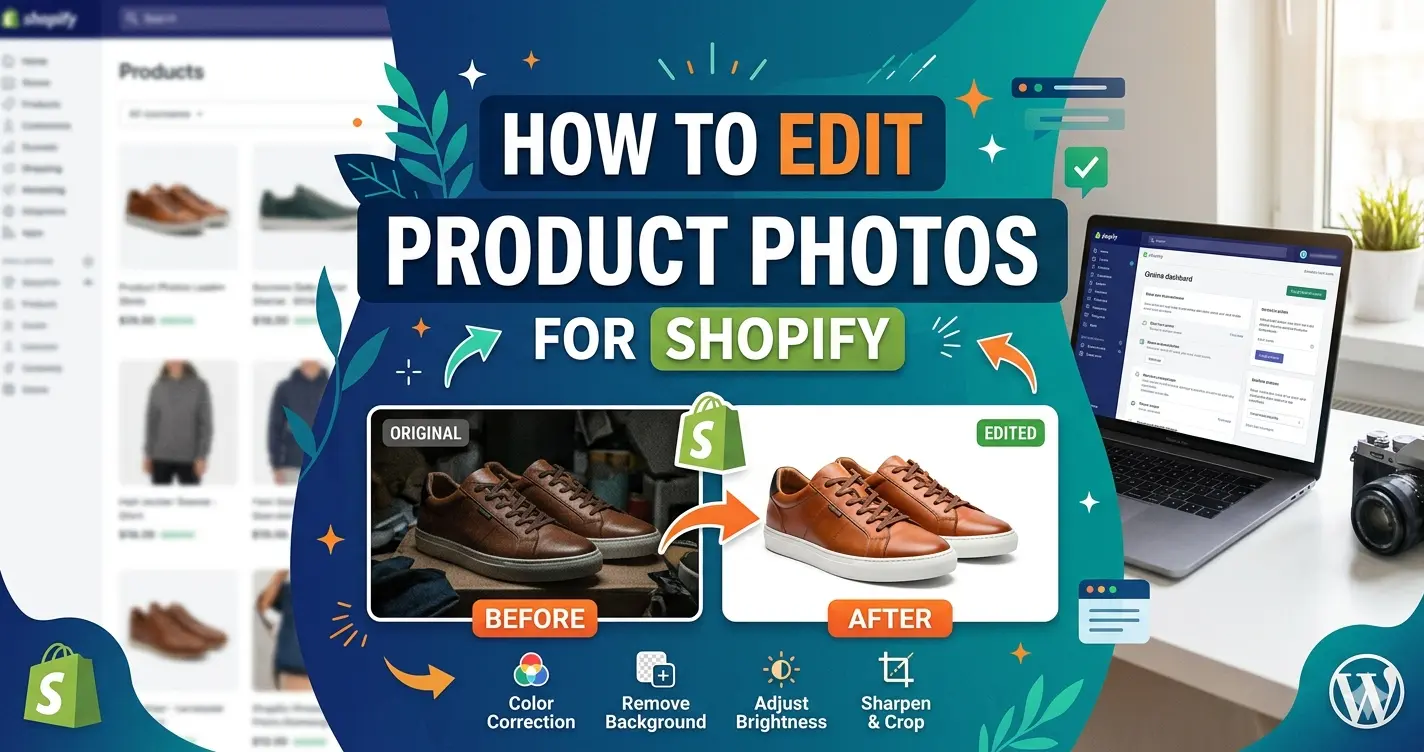
How to Edit Product Photos for Shopify (10 Rules That Increase Sales)
Your Shopify product photos do more than display products. They influence clicks, trust, conversions, return rates, and even how premium your brand feels.
Customers cannot touch, test, or try your products online. Your images become the shopping experience. That’s why professional e-commerce brands invest heavily in product photo editing, not just photography.
Even great products can look unprofessional if:
- Backgrounds are inconsistent
- Colors look inaccurate
- Shadows appear unnatural
- Images are cropped poorly
- Lighting changes between products
The good news?
You do not need a huge studio budget to improve your Shopify images. You simply need the right editing strategy.
In this guide, you’ll learn the 10 most important rules for editing Shopify product photos, common mistakes that reduce conversions, and how Clipixie helps e-commerce brands create cleaner, more consistent visuals that sell better.
Why Shopify Product Photo Editing Matters
Better product images directly affect buying decisions. According to multiple e-commerce usability studies, shoppers rely heavily on visuals before purchasing online products, especially in fashion, beauty, electronics, jewelry, furniture, and home goods.
Poor image quality can create:
- Lower trust
- Higher bounce rates
- More customer hesitation
- Increased returns
- Reduced conversion rates
Professional editing improves:
- Product clarity
- Brand consistency
- Marketplace compliance
- Mobile shopping experience
- Visual trust
For Shopify stores competing against hundreds of similar products, image quality is often the key factor.
Quick Overview: The 10 Rules That Improve Shopify Product Images
| Rule | Why It Matters |
| Use consistent backgrounds | Creates a professional storefront |
| Keep colors accurate | Reduces returns and complaints |
| Maintain uniform sizing | Improves product page appearance |
| Remove distractions | Helps customers focus on products |
| Add natural shadows | Makes products feel realistic |
| Optimize for mobile | Most Shopify traffic is mobile |
| Use multiple image angles | Builds buyer confidence |
| Keep file sizes optimized | Improves page speed |
| Retouch without overediting | Maintains authenticity |
| Stay consistent across all products | Strengthens brand trust |
Rule 1: Use Clean, Consistent Backgrounds
The fastest way to make a Shopify store look unprofessional is inconsistent backgrounds. If some products have gray backgrounds, others have shadows, and others contain visible distractions, your store immediately feels less trustworthy.
Best Practice
Use:
- Pure white backgrounds for catalog images
- Transparent backgrounds when needed
- Consistent lighting and spacing
This improves:
- Product visibility
- Mobile readability
- Catalog consistency
- Marketplace compatibility
Why White Backgrounds Work Well
White backgrounds reduce distractions and help customers focus entirely on the product. They also:
- Improve product contrast
- Create cleaner category pages
- Match Shopify’s minimal design layouts
Professional e-commerce photo editing helps standardize product images across your entire store.
Rule 2: Keep Product Colors Accurate
Color accuracy is critical for e-commerce success. One of the biggest reasons for product returns is that the item looks different in real life compared to the product photo.
Common Color Problems
- Oversaturated editing
- Incorrect white balance
- Inconsistent lighting
- Different product shades between images
How to Improve Accuracy
During editing:
- Correct white balance carefully
- Match colors to the real product
- Avoid heavy filters
- Maintain realistic contrast
This is especially important for:
- Clothing brands
- Beauty products
- Furniture stores
- Jewelry retailers
Important Reminder
Customers expect product photos to represent reality. Overediting may temporarily improve clicks but often increases returns and negative reviews.
Rule 3: Make Every Product Image Uniform
Consistency builds trust. When products appear aligned, evenly spaced, and visually balanced, your Shopify store looks more professional.
Uniform Editing Includes:
- Same image dimensions
- Consistent cropping
- Similar zoom levels
- Matching shadow styles
- Aligned product positioning
Why This Matters
Uniformity improves:
- Product grid appearance
- Mobile browsing experience
- Brand credibility
- Visual organization
Large e-commerce brands invest heavily in consistency because it creates a smoother shopping experience.
Rule 4: Remove Distractions That Hurt Conversions
Customers should focus on the product, not the background clutter. Distractions reduce attention and make products harder to evaluate.
Common Distractions Include:
- Wrinkles
- Dust
- Reflections
- Unwanted props
- Background textures
- Uneven lighting
Professional Editing Helps Remove:
- Sensor dust
- Background distractions
- Reflection issues
- Minor product imperfections
The result is cleaner, conversion-focused imagery.
| Want Your Shopify Store to Look More Professional?
Explore Clipixie’s before-and-after ghost mannequin editing examples , real fashion brands, real results. Professional editing. Faster workflows. Better-looking storefronts. |
Rule 5: Add Natural Shadows for Realism
Products floating on pure white backgrounds can sometimes look unnatural. Soft shadows create depth and realism.
| Shadow Type | Best Use |
| Natural shadow | Fashion, lifestyle products |
| Drop shadow | Electronics, packaging |
| Reflection shadow | Jewelry, luxury products |
| Floating shadow | Minimal modern brands |
Why Shadows Matter
Proper shadows:
- Improve realism
- Add dimension
- Make products feel premium
- Prevent flat-looking images
However, shadows should remain subtle. Heavy or unrealistic shadows can look artificial.
Rule 6: Optimize Images for Mobile Shopping
Most Shopify traffic now comes from mobile devices. That means your product photos must look clean and readable on smaller screens.
Mobile-Friendly Editing Tips
- Use centered products
- Avoid excessive empty space
- Keep backgrounds simple
- Maintain high sharpness
- Use zoom-friendly resolutions
Why Mobile Optimization Matters
Customers scrolling quickly on mobile need:
- Clear visuals
- Fast loading speeds
- Easy product recognition
Poorly optimized product images often lead to:
- Slow pages
- Lower engagement
- Reduced conversions
Rule 7: Use Multiple Angles and Detail Shots
Customers want confidence before purchasing. One image is rarely enough.
Include:
- Front view
- Side angles
- Back view
- Close-up textures
- Packaging shots
- Lifestyle examples
Editing Should Stay Consistent Across All Angles
Even when using multiple photos:
- Backgrounds should match
- Lighting should remain consistent
- Colors should stay accurate
This creates a more professional product presentation.
Rule 8: Compress Images Without Losing Quality
Large image files slow down Shopify stores. Page speed directly affects:
- SEO rankings
- Bounce rates
- Mobile conversions
Best Practices
- Export WebP or optimized JPEG files
- Resize images appropriately
- Avoid uploading oversized files
- Maintain high visual quality
Recommended Shopify Image Size
For most products:
- 2048 x 2048 pixels works well
- Maintain square ratios when possible
- Keep zoom functionality enabled
Rule 9: Retouch Carefully Without Overediting
Retouching improves presentation, but overediting damages trust.
Good Retouching Includes:
- Dust cleanup
- Color correction
- Minor wrinkle removal
- Reflection reduction
Poor Retouching Includes:
- Unrealistic skin smoothing
- Fake textures
- Excessive sharpening
- Distorted colors
Customers want polished images, not misleading ones. The goal is enhancement, not deception.
Rule 10: Keep Editing Style Consistent Across Your Brand
One of the most overlooked e-commerce strategies is visual consistency. Strong Shopify brands maintain:
- Similar lighting
- Matching crops
- Consistent shadows
- Uniform backgrounds
- Repeated editing styles
Why Brand Consistency Increases Sales
Consistency creates:
- Better product recognition
- Higher trust
- More premium perception
- Stronger brand identity
Your product pages should feel connected, not like random uploads from different sources.
Common Shopify Product Photo Editing Mistakes
Avoid these common issues:
Using Low-Resolution Images
Blurry product images reduce trust immediately.
Overusing AI Editing Tools
Automated tools are fast but often create:
- Jagged edges
- Unrealistic cutouts
- Missing details
Ignoring Image SEO
Product photos should include:
- Descriptive filenames
- Alt text
- Optimized sizes
Inconsistent Product Positioning
Products jumping between different zoom levels create a messy storefront.
Uploading Unedited Raw Photos
Even professionally photographed products usually require editing before publishing.
How Clipixie Helps Shopify Store Owners
Editing hundreds of product photos manually takes time. That’s why many Shopify brands outsource editing workflows to professionals like Clipixie.
Clipixie helps e-commerce businesses:
- Remove backgrounds
- Create clean clipping paths
- Add realistic shadows
- Correct colors
- Retouch product images
- Standardize catalogs
Why Shopify Brands Choose Clipixie
Faster Product Launches
Quick editing support helps stores publish products faster.
Consistent Storefront Appearance
Professional editors maintain visual consistency across catalogs.
Marketplace-Ready Images
Clipixie helps brands prepare images for Shopify, Amazon, Etsy, eBay, and online marketplaces.
Scalable E-Commerce Support
Whether you sell 20 products or 20,000 SKUs, Clipixie supports growing e-commerce workflows.
| Need Cleaner Product Images for Shopify?
Professional editing can help your products look more polished, trustworthy, and conversion-focused. From background removal to advanced retouching, Clipixie helps e-commerce brands scale faster. |
Advanced Tips for Higher Shopify Conversions
Use Lifestyle Images Strategically
Lifestyle photos help customers imagine using the product. However:
- Keep product visibility clear
- Maintain editing consistency
- Avoid cluttered compositions
Create Zoom-Friendly Product Images
Customers want to inspect:
- Fabrics
- Materials
- Texture quality
- Small details
High-resolution editing improves zoom performance.
Match Lighting Across Collections
Consistent lighting improves category page aesthetics and visual flow.
Frequently Asked Questions
What is the best image size for Shopify product photos?
For most Shopify stores, 2048 x 2048 pixels provides strong quality while supporting zoom functionality. Square images usually create the most consistent storefront layout.
Do edited product photos really increase sales?
Professional product images often improve trust, engagement, and conversion rates by helping customers evaluate products more confidently. Should
Shopify product images have white backgrounds?
White backgrounds work well for catalog images because they reduce distractions and create a cleaner shopping experience. Lifestyle images can also support branding and marketing.
How many product images should I upload?
Most e-commerce products benefit from at least 4–6 images, including different angles, close-ups, and lifestyle shots when relevant.
Is background removal necessary for Shopify?
In many cases, yes. Clean backgrounds improve product visibility and create a more professional storefront appearance.
Can AI tools replace professional editing?
AI tools help with speed, but they often struggle with hair, transparency, shadows, and detailed edges. Professional editing usually delivers cleaner, more accurate results.
Why do consistent product photos matter?
Consistency improves trust and makes your store feel more professional and organized. It also improves the customer browsing experience.
Does Clipixie support bulk Shopify editing?
Yes. Clipixie works with growing e-commerce brands, agencies, and marketplace sellers managing large product catalogs.
Can Clipixie create transparent PNG images?
Yes. Clipixie provides transparent backgrounds, white backgrounds, shadow creation, and customized e-commerce image editing.
How fast is Clipixie turnaround?
Turnaround depends on order size and complexity, but Clipixie is designed to support fast e-commerce workflows.
Does Clipixie edit lifestyle photos too?
Yes. Clipixie supports product retouching, background cleanup, color correction, and enhancement for both catalog and lifestyle e-commerce images.
Help Your Products Look More Trustworthy and Conversion-Ready
Great Shopify product photos are not just about aesthetics. They influence trust, conversions, customer confidence, and overall brand perception.
The most successful e-commerce stores follow consistent editing standards:
- Clean backgrounds
- Accurate colors
- Natural shadows
- Uniform presentation
- Fast-loading images
Even small visual improvements can make products feel more premium and trustworthy. Clipixie helps Shopify store owners simplify product photo editing with professional e-commerce-focused services designed for growing online brands.
Whether you need background removal, retouching, clipping paths, or full catalog consistency, professional editing can help your store look more polished and conversion-ready.
| Improve Your Shopify Product Images Today
Cleaner photos. Better storefront consistency. More professional product presentation. |